
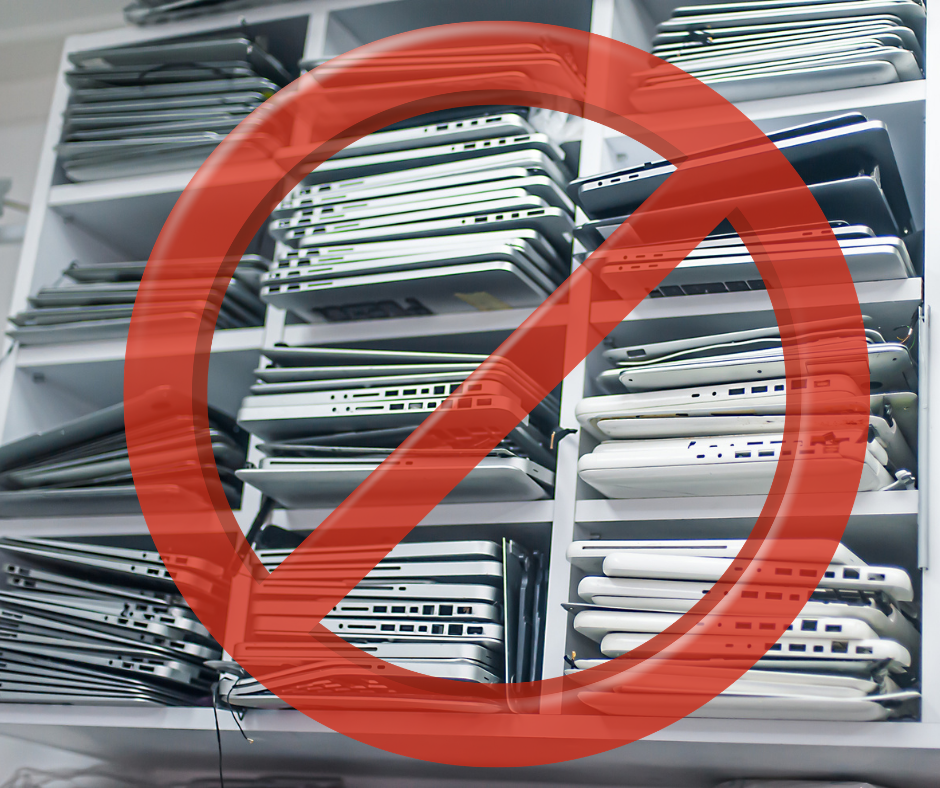
As the school year wraps up, educational institutions face a critical task: tech storage. From Chromebooks and laptops to tablets and smartphones, properly storing electronic devices during the summer months is essential for protecting your school’s investment, maintaining functionality, and safeguarding sensitive student data. Without a clear plan for tech storage, schools risk data loss, device damage, and even cybersecurity vulnerabilities that can carry over into the next school year.
Why Tech Storage Matters More Than You Think
End-of-year tech storage isn’t just about putting devices on a shelf. It’s about protecting your entire education technology ecosystem. Improper storage can lead to degraded battery life, damaged hardware like hard drives, and increased downtime when devices are needed again. More importantly, failing to implement secure storage practices can expose student data and leave devices vulnerable to unauthorized access or even ransomware attacks.
A smart tech storage strategy helps IT staff streamline workflows, optimize device management, and ensure a smoother transition into the next academic year.
-
Perform a Full Device Audit and Asset Management Check
Before placing devices into tech storage, conduct a comprehensive audit. This includes verifying asset management records, checking device condition, and confirming all electronic devices are accounted for. Schools should document serial numbers, device status, and any needed upgrades or repairs.
This process not only improves lifecycle tracking but also helps educational institutions plan for scalability and future storage solutions. Knowing what you have and what condition it’s in ensures your tech storage system is organized and efficient.
-
Back Up and Protect Student Data
One of the most critical steps in tech storage is ensuring all student data is backed up and secure. Whether using cloud-based or on-premises data storage, make sure backups are complete and verified.
Implement strong data security protocols such as authentication, access control, and permissions management. Remove sensitive data from devices before storage to reduce the risk of a data breach.
-
Clean, Repair, and Prepare Devices
Before devices go into tech storage, take time to clean and inspect them. Dust, debris, and minor damage can worsen over time if left unaddressed. Professional cleaning and repairs can extend the life of laptops, tablets, and other devices.
This is also a great opportunity to address vulnerabilities, install updates, and ensure all apps and operating systems are current. Proactively handling these tasks minimizes downtime and ensures devices are ready to go when school resumes.
-
Choose the Right Storage Environment
Not all storage options are created equal. Secure storage requires a controlled environment that protects devices from extreme temperatures, humidity, and physical damage. On-site storage is convenient, but it must be properly secured with strong security measures.
Consider storage solutions that include:
- Climate-controlled spaces
- Lockable cabinets or carts
- Access control systems to prevent unauthorized access
- Surveillance or monitoring systems
For schools with limited space, working with external providers for secure storage may be a viable solution.
-
Implement Strong Cybersecurity Measures
Even when devices are powered down, cybersecurity should remain a priority during tech storage. Devices can still be vulnerable if not properly secured.
Ensure all devices are:
- Logged out of accounts
- Protected with strong authentication protocols
- Updated with the latest security patches
- Removed from active networks if not needed
Taking these precautions reduces the risk of ransomware and other cyber threats targeting stored devices.
-
Organize for Efficiency and Easy Retrieval
A well-organized tech storage system saves time and reduces frustration. Label devices clearly and group them by grade level, classroom, or device type. This improves workflows and makes distribution at the start of the new school year much more efficient.
Using digital tracking systems with notifications and real-time updates can further streamline retrieval and deployment. This level of organization supports IT staff and enhances overall device management.
-
Plan for the Future with Scalable Storage Solutions
Tech storage should evolve alongside your school’s technology needs. As educational institutions continue to expand their use of education technology, storage solutions must be scalable and adaptable.
Consider long-term strategies such as:
- Expanding cloud-based data storage
- Investing in automated management systems
- Partnering with providers for secure storage and maintenance
- Reviewing retention policies for outdated or unused devices
Planning ahead ensures your tech storage approach remains effective and cost-efficient year after year.