
Repair vs. Replace? Now that’s a million dollar question! Technology has become essential in modern classrooms, especially in K-12 schools where laptops, Chromebooks, iPads, and other student devices support everything from testing and collaboration to daily instruction. But as devices age, school districts are often faced with a difficult question: should they invest in device repair, or purchase a new device altogether?
Making the right decision is about more than just cost. Schools must consider functionality, sustainability, device lifespan, software updates, warranty status, and the growing issue of electronic waste. With tight budgets and increasing dependence on educational technology, understanding when to repair vs. replace can help schools maximize their technology investments while keeping devices in working order throughout the school year.
Why Repair Is Often the Smarter First Step
Many older devices still have years of usable life remaining. Common issues like broken screens, failing batteries, damaged keyboards, or charging port problems can often be resolved quickly through a trusted repair shop. In many cases, repairing a device is significantly more affordable than replacing it with a new device.
This is especially true for Chromebooks and iPads used in K-12 education environments. Student devices experience heavy daily use, and minor damage is inevitable. However, a cracked screen or worn battery does not necessarily mean the device has reached the end of its lifecycle.
Repairing devices can help school districts:
- Extend device lifespan
- Reduce downtime for students and teachers
- Lower technology spending
- Maintain consistent device management practices
- Reduce electronic waste
Many schools also maintain spare parts inventories to speed up turnaround times and keep classrooms functioning without interruption.
Sustainability and the Growing E-Waste Problem
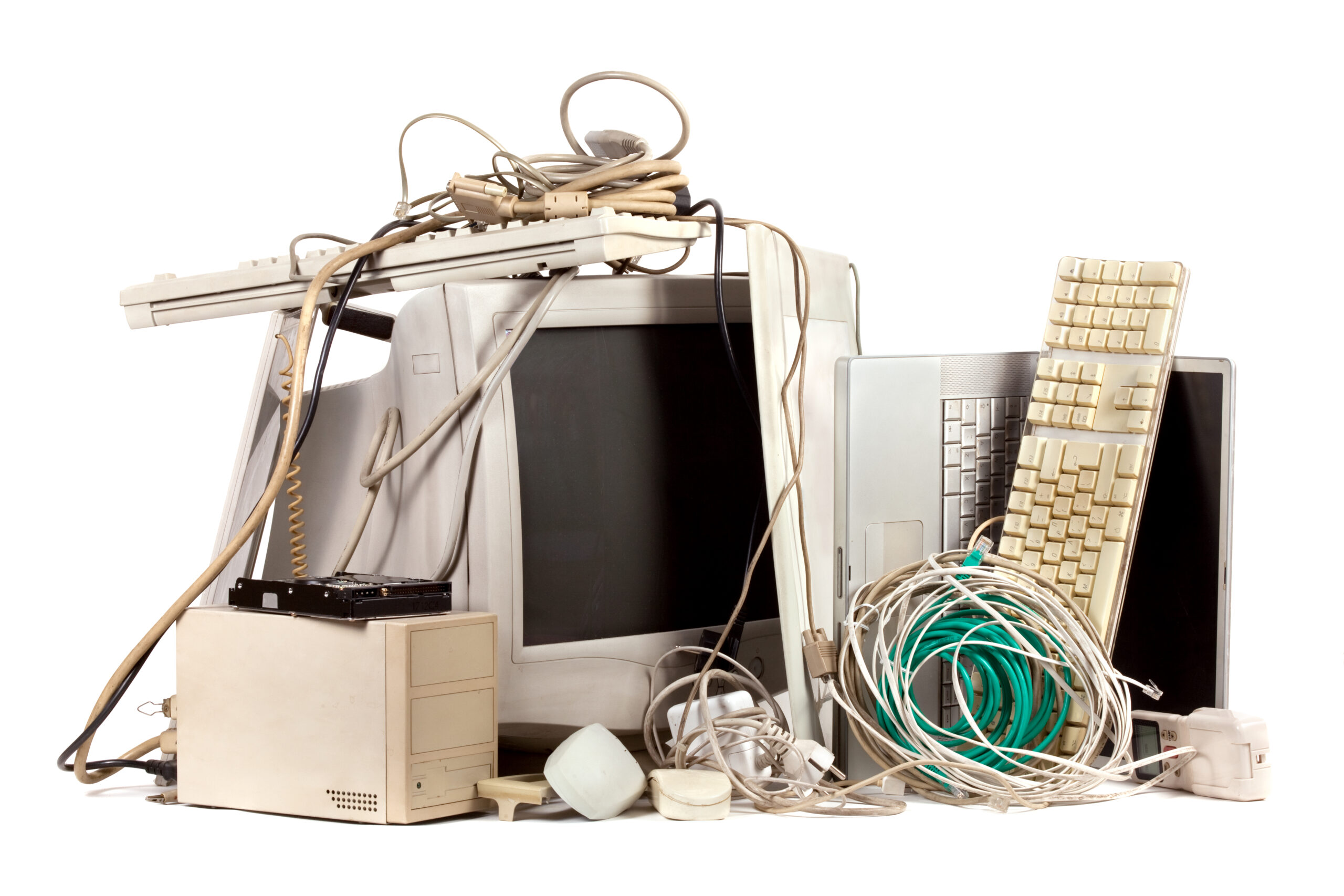
One of the biggest reasons schools are prioritizing refurbishment and repair is sustainability. Electronic waste (e-waste) continues to grow rapidly as devices are discarded faster than ever before. During the pandemic, many districts purchased large quantities of Chromebooks, laptops, smartphones, and iPads to support remote learning. Now, several years later, those same devices are beginning to age at the same time.
Replacing every older device can create unnecessary e-waste while putting additional strain on school budgets. Repair and refurbishment programs help reduce landfill waste while supporting environmentally responsible practices.
For school districts focused on sustainability goals, extending the lifecycle of existing educational technology can make a significant impact. A repaired Chromebook or iPhone that remains in working order for another two years prevents another device from entering the waste stream prematurely.
The growing right to repair movement has also encouraged schools and consumers to think differently about technology ownership. Repair laws continue to evolve, increasing access to spare parts, repair documentation, and troubleshooting resources for providers and technicians.
When Replacement Makes More Sense
While repair is often cost-effective, there are situations where replacing a device is the better option. Older devices may struggle to support current operating systems, educational apps, or software updates required by schools. Performance limitations can affect classroom productivity and create frustration for students and educators.
A device may be ready for replacement if:
- Repairs exceed the device’s remaining value
- Parts are no longer available
- Operating systems are no longer supported
- The device cannot meet modern educational technology requirements
For example, some older Apple devices or Chromebooks may no longer receive security updates, which can create cybersecurity concerns for school districts managing large fleets of student devices.
Schools should also evaluate whether repeated repairs are impacting classroom continuity. If a laptop requires constant troubleshooting or multiple repairs throughout the school year, replacement may provide better long-term value.
Building a Smart Device Lifecycle Strategy
The best technology programs do not rely solely on repair or replacement. Instead, successful K-12 schools create balanced lifecycle strategies that combine preventative maintenance, asset management, refurbishment, and planned upgrades.
An effective device management strategy often includes:
- Tracking repair history and warranty information
- Monitoring battery health and functionality
- Maintaining spare devices for emergencies
- Scheduling preventative maintenance
- Partnering with experienced repair providers
- Evaluating total lifecycle costs
Hands-on maintenance and regular inspections can also help schools identify issues before they become major failures. Simple troubleshooting procedures, proper charging habits, and protective cases can significantly extend the lifespan of student devices.
Schools can even use educational opportunities around device care to teach students responsibility and technology awareness. Topics like sustainability, electronic waste reduction, and responsible technology use are increasingly relevant in today’s digital classrooms and on social media discussions surrounding educational technology.
Repair vs. Replace: Finding the Right Balance for Your School
There is no universal answer to the repair vs. replace debate. Every district has different budgets, technology goals, and device inventories. However, prioritizing thoughtful repair strategies can help schools reduce costs, support sustainability efforts, and maximize the value of their educational technology investments.
For many school districts, the ideal approach involves repairing devices whenever practical while strategically replacing devices that no longer meet performance or security standards. By focusing on lifecycle planning, refurbishment opportunities, and proactive device repair, schools can keep laptops, Chromebooks, and iPads functioning efficiently for years to come.