
Classroom technology has transformed the way students learn, collaborate, and engage with lessons. From interactive assignments to digital resources, Chromebooks have become an essential tool in many classrooms. However, keeping these devices reliable requires more than just handing them out at the beginning of the school year. Effective Chromebook care helps teachers and students protect their technology investments, reduce disruptions, and create better learning experiences.
When schools prioritize Chromebook care, they encourage students to take ownership of their devices while building important habits around digital citizenship. Teaching students how to properly handle, clean, and protect their Chromebooks is an opportunity to reinforce responsibility, self-awareness, and respect for shared resources.
1. Teach Students Proper Device Handling
One of the most important parts of Chromebook care is helping students understand that a Chromebook is a valuable digital device. Students should be taught to carry their devices with two hands, avoid placing heavy objects on top of them, and keep food and drinks away from their laptops.
Backpacks are one of the biggest sources of accidental Chromebook damage. Pens, water bottles, books, and other supplies can put unnecessary pressure on screens or cause cracks. Encourage students to use a dedicated laptop compartment or protective sleeve whenever possible to provide additional device protection.
Teachers can also remind students that responsible technology use extends beyond physical care. Practicing digital citizenship includes protecting devices, respecting classmates online, understanding internet safety, and recognizing and reporting issues like cyberbullying.
2. Keep Chromebooks Clean the Right Way
A clean device is not only more pleasant to use but can also perform better over time. Another key part of Chromebook care is teaching students the correct way to clean their devices.
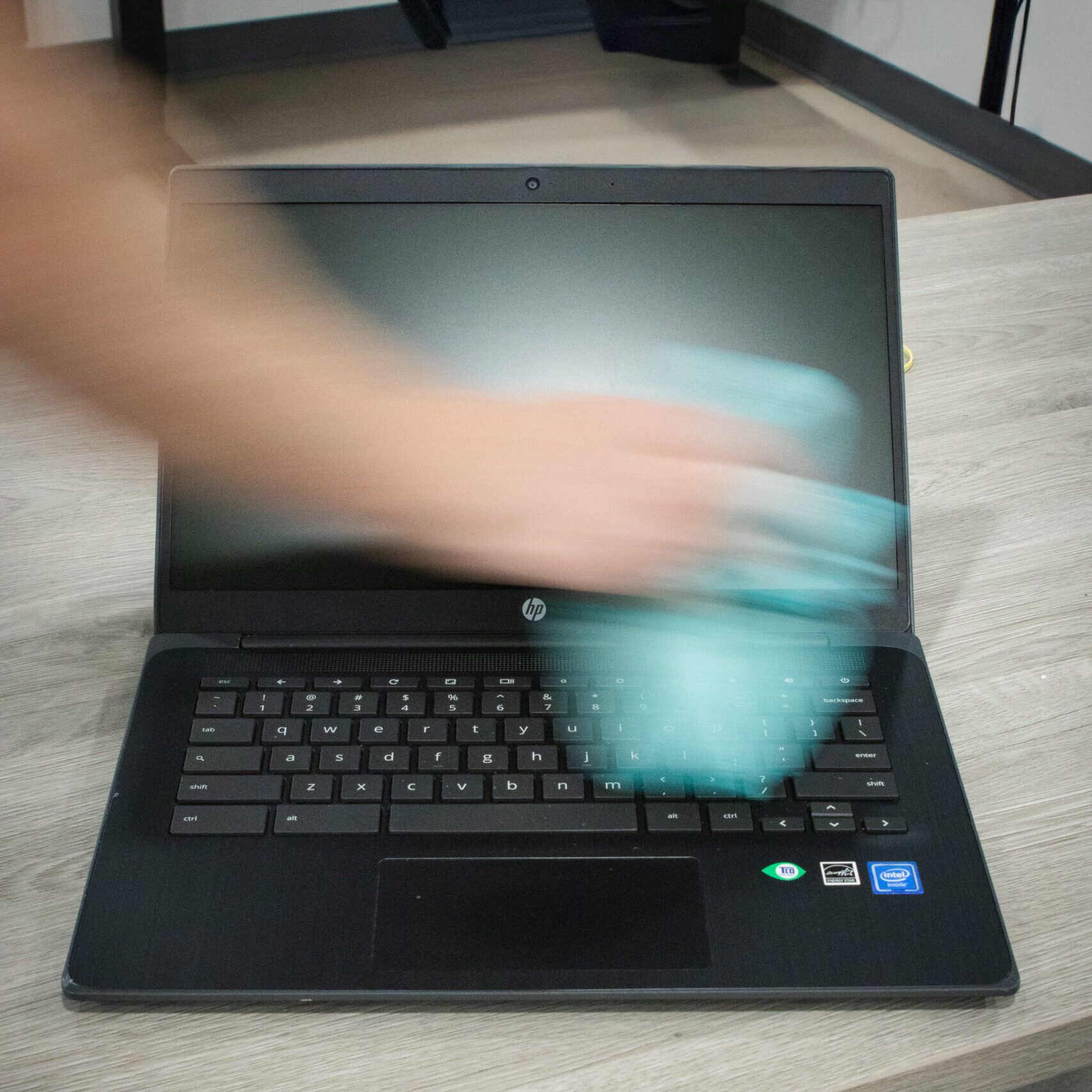
Screens should be cleaned using a microfiber cloth to avoid scratches and damage. Avoid using household cleaners, paper towels, or harsh chemicals, as these products may damage the screen coating or other components. For dust and debris around the keyboard, speakers, and ports, compressed air can help safely remove buildup.
Students should also avoid eating directly over their devices. Crumbs and debris can become trapped under keys, while spills can quickly lead to expensive repairs. Small cleaning habits like these can make a major difference in extending the lifespan of classroom technology.
3. Practice Safe Charging Habits
Chargers are one of the most commonly misplaced or damaged Chromebook accessories. Students should learn to unplug chargers carefully by holding the connector instead of pulling on the cable. Twisting, bending, or wrapping charger cords too tightly can cause damage over time.
Strong Chromebook care includes maintaining good battery habits. Students should charge devices before they reach critically low battery levels and avoid leaving Chromebooks plugged in unnecessarily for extended periods. Teachers can also work with their IT teams to monitor device health through mobile device management tools.
4. Protect Student Privacy and Online Safety
Chromebooks provide incredible opportunities for technology integrations, but they also require thoughtful management. Schools should ensure students understand cybersecurity basics, including creating secure passwords, recognizing suspicious links, and protecting personal information.
Internet filtering and school-approved security tools help create safer learning environments, but students also need guidance. Conversations about student privacy, responsible browsing, and appropriate screen use are important parts of preparing students for a connected world.
Teachers should also remind students that digital responsibility applies both inside and outside the classroom. The same habits that protect a school Chromebook can help students safely use tablets, iPads, smartphones, and other devices at home.
5. Encourage Daily Chromebook Responsibility
A complete Chromebook care routine does not have to be complicated. Simple daily reminders can prevent many common problems. Before putting devices away, students should check that they are closed properly, stored safely, and returned to their assigned location.
Teachers can create classroom routines such as device check-ins, assigned storage areas, and quick inspections at the end of each class period. These small steps can help identify issues early and reduce unexpected downtime.
6. Help Students Build Long-Term Technology Habits
Remember that Chromebook care is about more than preventing broken screens or damaged keyboards. It is about teaching students lifelong habits around technology responsibility. The way students care for classroom devices can influence how they treat personal electronics, workplace technology, and future digital tools.
Good Chromebook care combines physical protection, cybersecurity awareness, and responsible digital behavior. By teaching students how to properly maintain their devices, schools can extend equipment lifespans, protect budgets, and keep classrooms running smoothly.
By combining Chromebook care with strong digital citizenship practices, teachers can help students become more responsible technology users. Ultimately, Chromebook care is a shared responsibility between students, educators, and school technology teams, creating a stronger and more sustainable digital learning environment.