
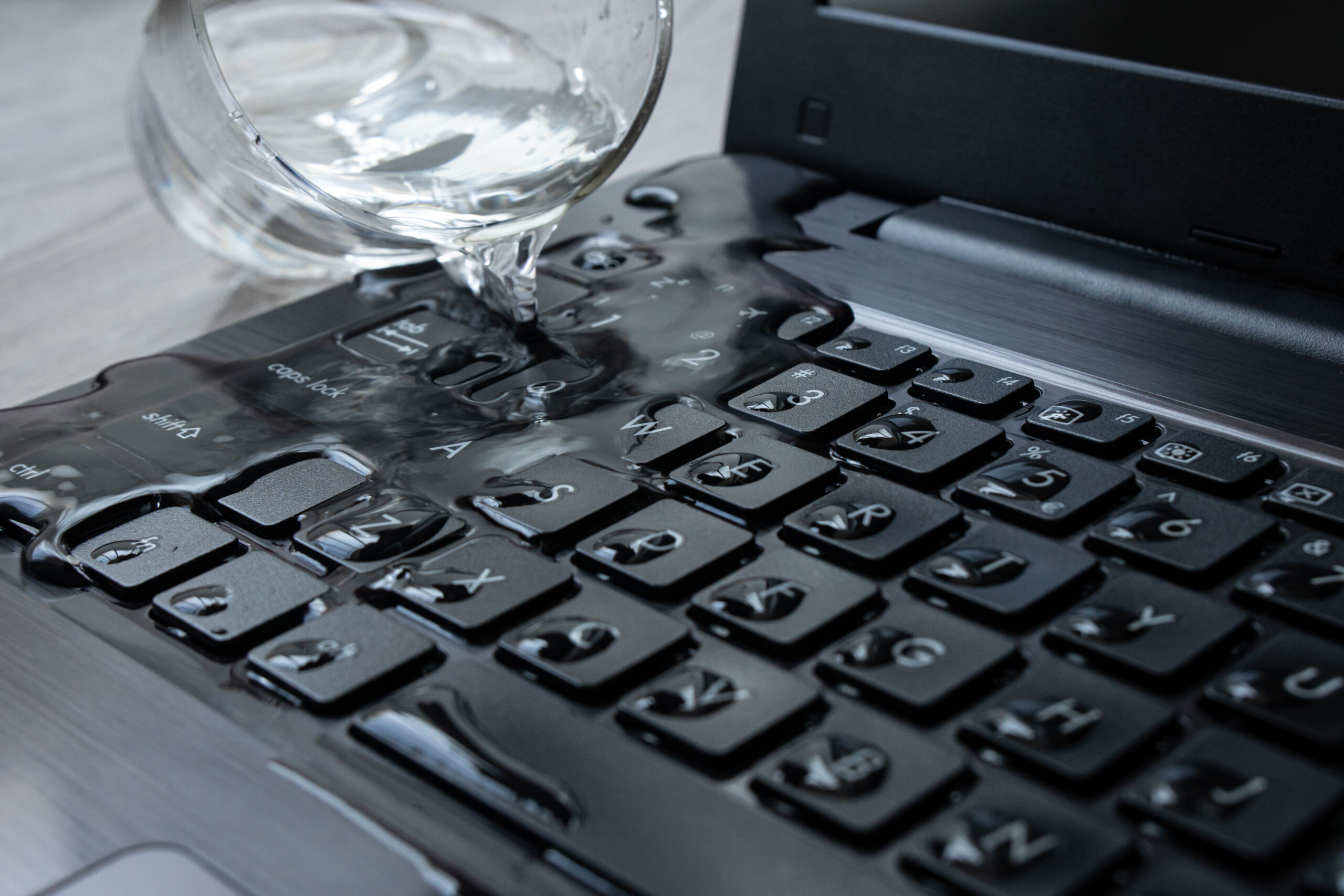
Classroom technology has become an essential part of modern education, keeping students connected, engaged, and productive. Unfortunately, accidents happen. Whether it’s a snack-time spill, a knocked over water bottle, or even burst pipes after a storm, liquid damage can bring learning to a sudden stop.
When technology fails because of moisture, acting quickly can make the difference between a successful repair and a costly replacement. The first few minutes after liquid damage are critical for devices like Chromebooks, tablets, and laptops that contain delicate internal components and sensitive circuit boards.
Step 1: Turn it Off Immediately After Liquid Damage Occurs
The most important thing you can do after liquid damage occurs is turn it off immediately. If the device is still powered on, electricity can travel through the moisture and create short circuits, permanently damaging the motherboard and other critical components.
Avoid pressing the power button repeatedly to see if the device still works. If possible, remove the battery from devices with removable batteries and disconnect the charger immediately.
Gently wipe away any visible moisture using a clean microfiber cloth. While it may be tempting to use a hairdryer or even the hand dryers in the bathroom, avoid doing so. Excessive heat can damage plastics, warp components, and actually push moisture deeper into the device. Instead, you can utilize a fan to blow gently on the device.
The faster power is removed, the better the chances of lessening the severity of the liquid damage is.
Step 2: Avoid Common Mistakes During the Drying Process
One of the biggest myths is placing electronics in rice. While it’s a popular internet tip, rice does very little to remove moisture trapped inside a device. Likewise, dehumidifiers and desiccants may help reduce humidity in the surrounding air, but they won’t reach moisture hidden beneath chips, connectors, or other internal components.
It’s also important to avoid anything with high heat. High heat can warp plastic parts, loosen adhesives, and push moisture deeper into sensitive circuit boards. Instead, gently blot away any visible moisture with a clean microfiber cloth, keep the device powered off, and allow it to remain undisturbed until it can be properly evaluated.
Remember, just because a device appears dry on the outside doesn’t mean the inside is moisture-free. Hidden water stains and early corrosion can develop long after the initial spill, making patience one of the most valuable parts of the drying process.
Step 3: Document the Incident and Act Quickly
Every school should have a plan for responding to liquid damage, and that starts with reporting the incident as soon as it happens. Even if a Chromebook or laptop appears to be working normally, moisture can continue affecting the device long after the initial spill.
Teachers should notify their IT department or facility managers immediately, especially if the incident resulted from larger building issues such as leaking ceilings or burst pipes. Prompt reporting supports effective risk management, allows for faster mitigation, and helps prevent additional downtime.
Documenting when and how the spill occurred also gives technicians valuable information. Knowing whether the device was exposed to water, coffee, or another liquid, along with approximately how long it remained powered on can improve the troubleshooting process and help determine whether replacement parts will be necessary.
Quick communication and proper documentation help schools minimize downtime, protect valuable classroom technology, and keep learning on track.
Protect Your Investment
A simple spill doesn’t always mean a device is beyond repair. With fast action and experienced technicians, many cases of liquid damage can be successfully addressed before corrosion spreads, helping schools extend the life of their technology while keeping students focused on learning instead of unexpected interruptions.
Liquid damage beyond the norm? iResQ has repaired hundreds of motherboards with liquid damage and restored the devices! Reach out to us today for more information.